
After Hours HVAC Calls Need a Faster Follow-Up
You may not need a call center for every missed call.
After-hours HVAC calls need more than voicemail. Book Every Job responds by text after a missed call, collects the issue, address, urgency, and contact details, and helps move qualified requests toward booking or review.
Residential service teams often miss calls while working, driving, helping another customer, or after hours.
Direct answer
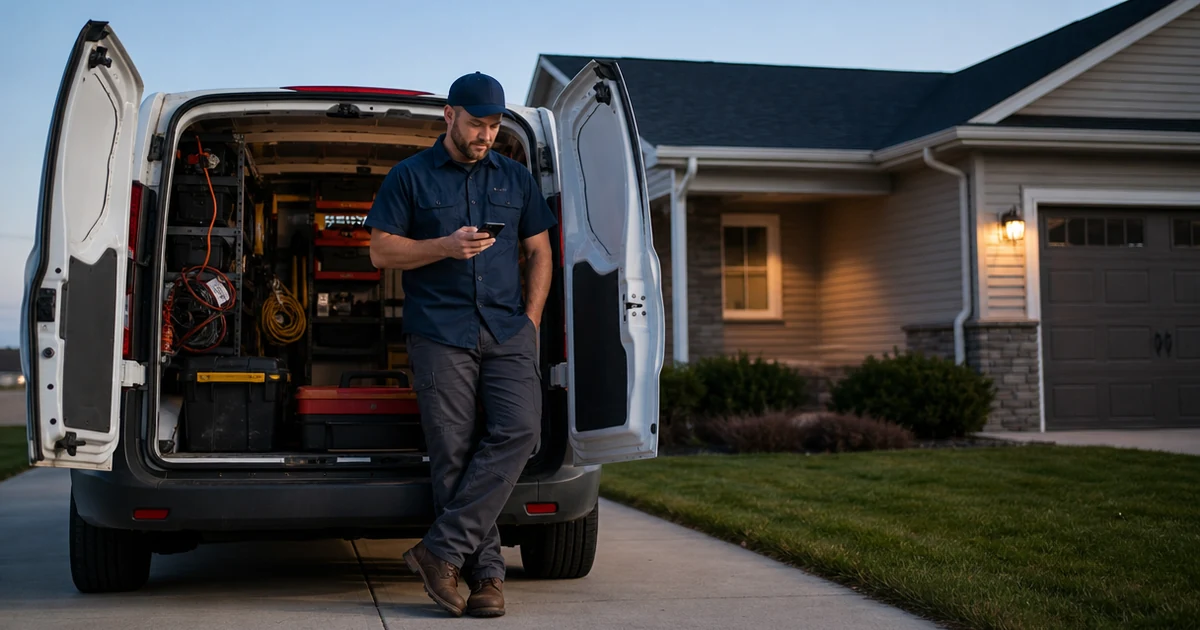
After-hours HVAC call handling should give the homeowner a fast next step after the office is closed. Book Every Job responds by text after the missed call, collects the issue, address, urgency, and contact details, then moves qualified requests toward booking or routes them for review based on the business rules.
Why after-hours HVAC calls are so easy to lose
After hours, the homeowner is usually looking for relief, not a voicemail box. A no-cool, no-heat, or system-not-working call can move to another company before the next morning, especially during weather spikes or weekends.
The decision is whether the business needs live operator coverage, missed-call text-back and booking support, or both.
Where Book Every Job fits and where it does not
This page is for residential service businesses where homeowner calls affect whether a job is won or lost.
Good fit
Best fit: small residential service teams that miss calls during jobs, driving, after hours, or while already helping customers.
- Small HVAC teams that receive homeowner service calls
- Owner-operators or lightly staffed offices that miss calls during active work
- Businesses where response speed affects whether the job is won
- Teams that want missed-call text-back and booking without adding a call center
Not the right fit
Not a fit: businesses that need complex dispatch, live emergency triage, or full-time live coverage on every call.
- Commercial-only operators with long bid cycles
- Builders, remodelers, subcontractors, or new-construction-only companies
- Businesses that need live human coverage on every call
- Companies that already have complete call-center coverage and no missed-call problem
When to use an answering service, Book Every Job, or both
Use an answering service when…
Use a live answering service when every after-hours caller needs a person immediately, emergency triage, dispatch judgment, or live reassurance.
Use Book Every Job when…
Use Book Every Job when the main gap is missed after-hours calls and the business needs fast text-back, job-detail collection, filtering, and booking support without adding full live coverage.
Use both when…
Use both when live coverage handles urgent or complex calls, but missed-call text-back catches calls that still slip through after hours, on weekends, or during weather spikes.
How Book Every Job works after a missed call
After an after-hours HVAC call is missed, the workflow sends a text, collects the issue, address, urgency, and contact details, then either moves a qualified request toward booking or routes it for review.
1. After-hours call comes in
A homeowner calls at night or on the weekend with a no-cool or no-heat problem.
2. Immediate text keeps them engaged
BEJ texts right away so the caller knows the business saw the call.
3. Caller replies while intent is high
The homeowner explains the issue, timing, and urgency instead of moving on silently.
4. Next-step handoff is cleaner
When your team reviews the lead, the conversation is already active and the path to scheduling is clearer.
Common missed-call situations this covers
These are the kinds of calls and workday moments where a missed-call text-back layer can help without pretending every request should be booked automatically.
Missed-call moments
- A homeowner calls after office hours because the AC stopped cooling.
- A weekend no-heat call comes in while the owner is away from the phone.
- The owner is driving home from the last service call when another request comes in.
- The office line rolls to voicemail during dinner hours.
- A weather spike creates homeowner calls after the normal schedule closes.
High-intent job types
- No cooling at night during hot weather.
- No heat after business hours during cold weather.
- System running but not keeping up.
- Furnace, AC, or heat pump service request that needs a next step.
- Weekend HVAC service request from a homeowner.
Calls to filter or review
- Vendor, supplier, or warranty calls that are not homeowner service requests.
- Commercial or property-management requests outside the company focus.
- Calls outside the residential service area.
- Wrong numbers or spam calls.
- Complex emergency, replacement, or unusual requests that need human review before booking.
How service area and booking rules are handled
Book Every Job should only move a call toward booking when the request matches the business rules. When something is uncertain, the safer workflow is to collect the details and route the lead for review.
Service area checks
For after-hours HVAC calls, the workflow should confirm that the service address is inside the company’s residential service area before moving the request toward booking. Out-of-area requests should be collected and routed for review instead of booked automatically.
Booking qualification
After-hours HVAC requests should be booked only when the job type, urgency, address, appointment type, calendar availability, and business rules are clear. Urgent calls, commercial work, replacement estimates, unclear requests, or out-of-area jobs should be routed for human review.
After-hours HVAC call handling FAQs
What should happen when an HVAC call comes in after hours?
The caller should get a fast next step instead of silence or voicemail. Book Every Job can text the missed caller, collect the issue, service address, urgency, and contact details, then move the request toward booking or review based on your rules.
Does Book Every Job answer HVAC calls live after hours?
No. Book Every Job is not a live answering service. It responds by text after the call is missed, so the homeowner gets a quick response without adding a call center or AI voice bot.
Can after-hours HVAC calls be booked directly?
Yes, when calendar availability, appointment types, service area, and booking rules are configured. If the request needs human review, the system can collect the details and notify the team instead of booking automatically.
What happens if the after-hours HVAC request sounds urgent?
Urgent requests should follow the business’s rules. Book Every Job can collect the issue and contact details, then route the request for review, emergency handling, or booking when the rules are clear.
Is this the same as an after-hours HVAC answering service?
No. An answering service provides live call coverage. Book Every Job is a lighter missed-call text-back layer for HVAC teams that mainly need fast follow-up, job-detail collection, filtering, and booking support after a call is missed.
Do I have to change my HVAC company’s main phone number?
Usually no. The typical setup is designed so the business keeps its existing number and routes missed calls into the Book Every Job workflow. The exact setup depends on the current phone provider and call forwarding options.
Can it filter spam or vendor calls after hours?
Yes. The workflow can help classify spam, wrong numbers, vendors, out-of-area calls, and low-fit requests so the team does not start the next day with a pile of unclear missed calls.
When is a live answering service still better?
A live answering service is usually better when every after-hours call needs a person, dispatch judgment, emergency triage, or live reassurance. Book Every Job is better when the main problem is missed-call recovery and fast text follow-up.